Receipt Scan
Open images/PDFs in Budgio from Photos or Files for batch scan, then extract totals, merchants, and dates in seconds with country-specific receipt profiles (Auto, Global, Panama, US, Mexico, Brazil, EU).
Organize multiple accounts, scan receipts with on-device AI, and privately sync expenses and budgets across your Apple devices with iCloud.
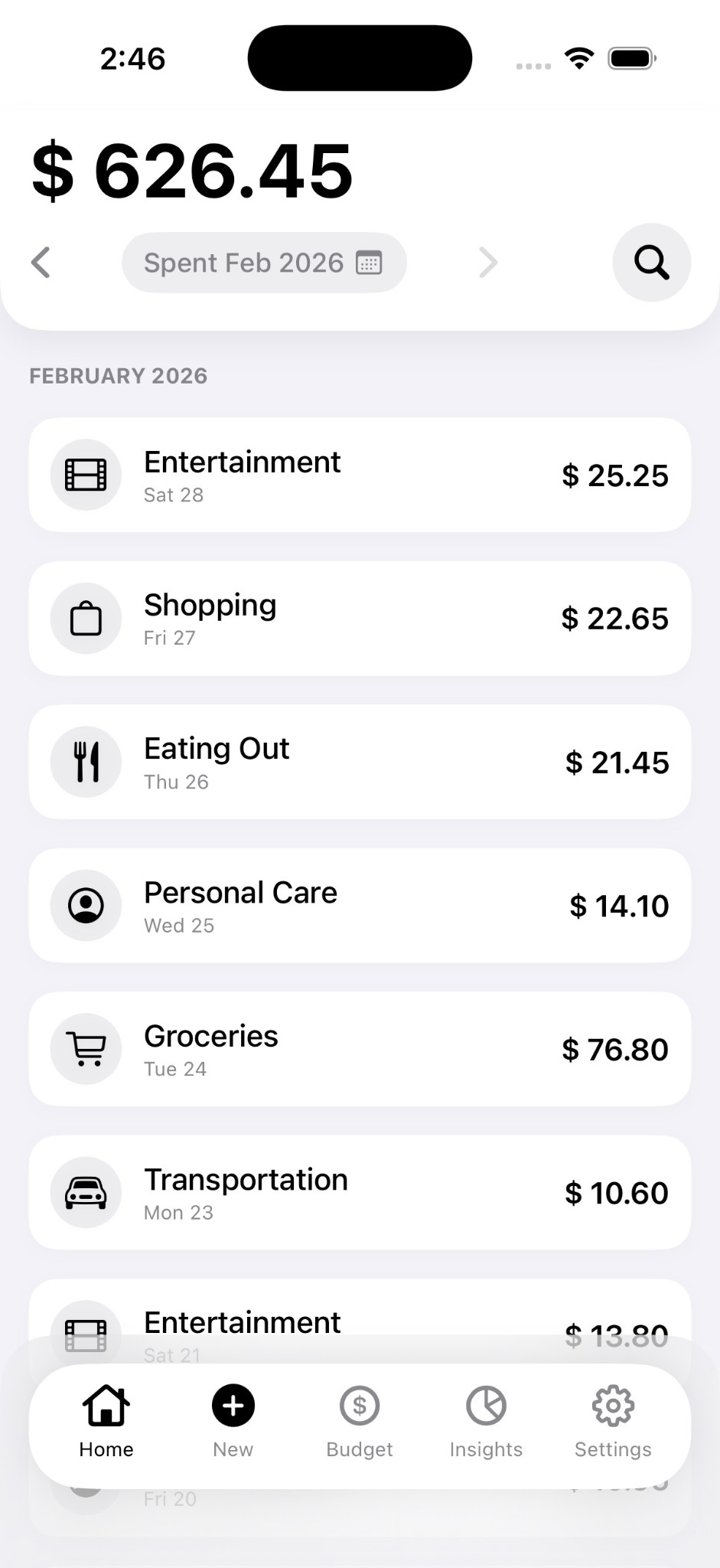
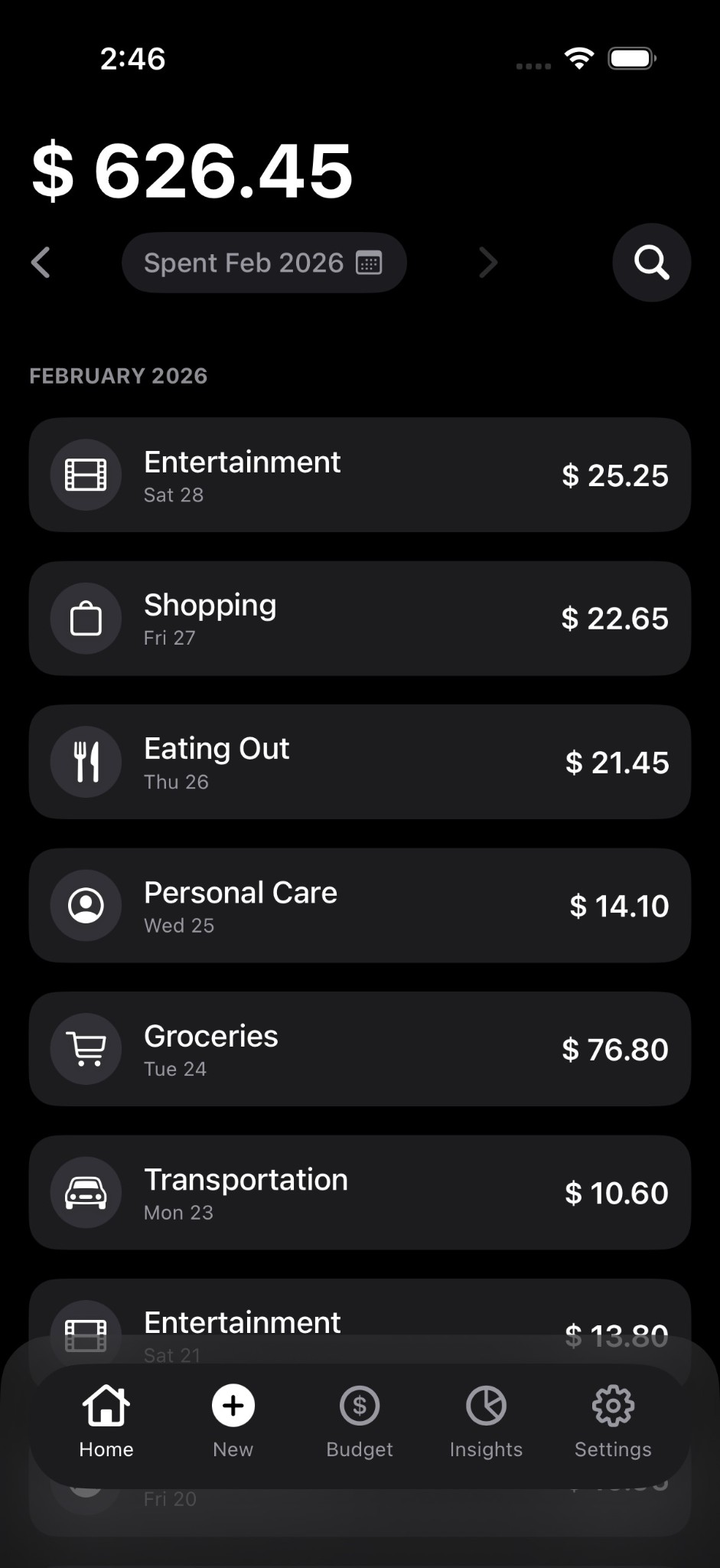
Open images/PDFs in Budgio from Photos or Files for batch scan, then extract totals, merchants, and dates in seconds with country-specific receipt profiles (Auto, Global, Panama, US, Mexico, Brazil, EU).
Organize expenses into separate accounts, each with its own monthly budget, category budgets, history, and insights.
On-device AI helps classify expenses and keep monthly trends accurate.
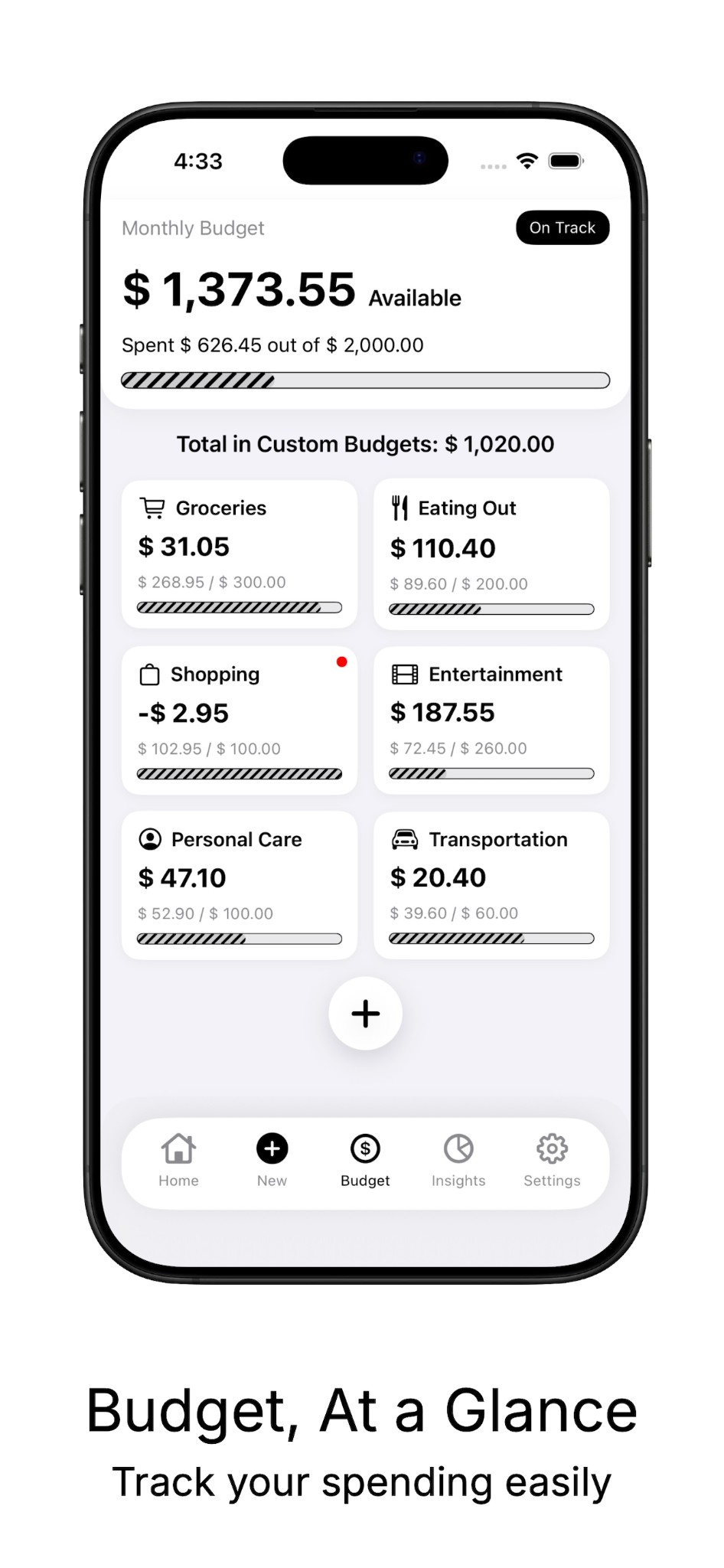
Set monthly and category budgets with clear progress, over-budget status, and daily check-ins.
Keep accounts, budgets, expenses, and preferences in sync across your Apple devices through your private iCloud account, with local storage when iCloud is unavailable.
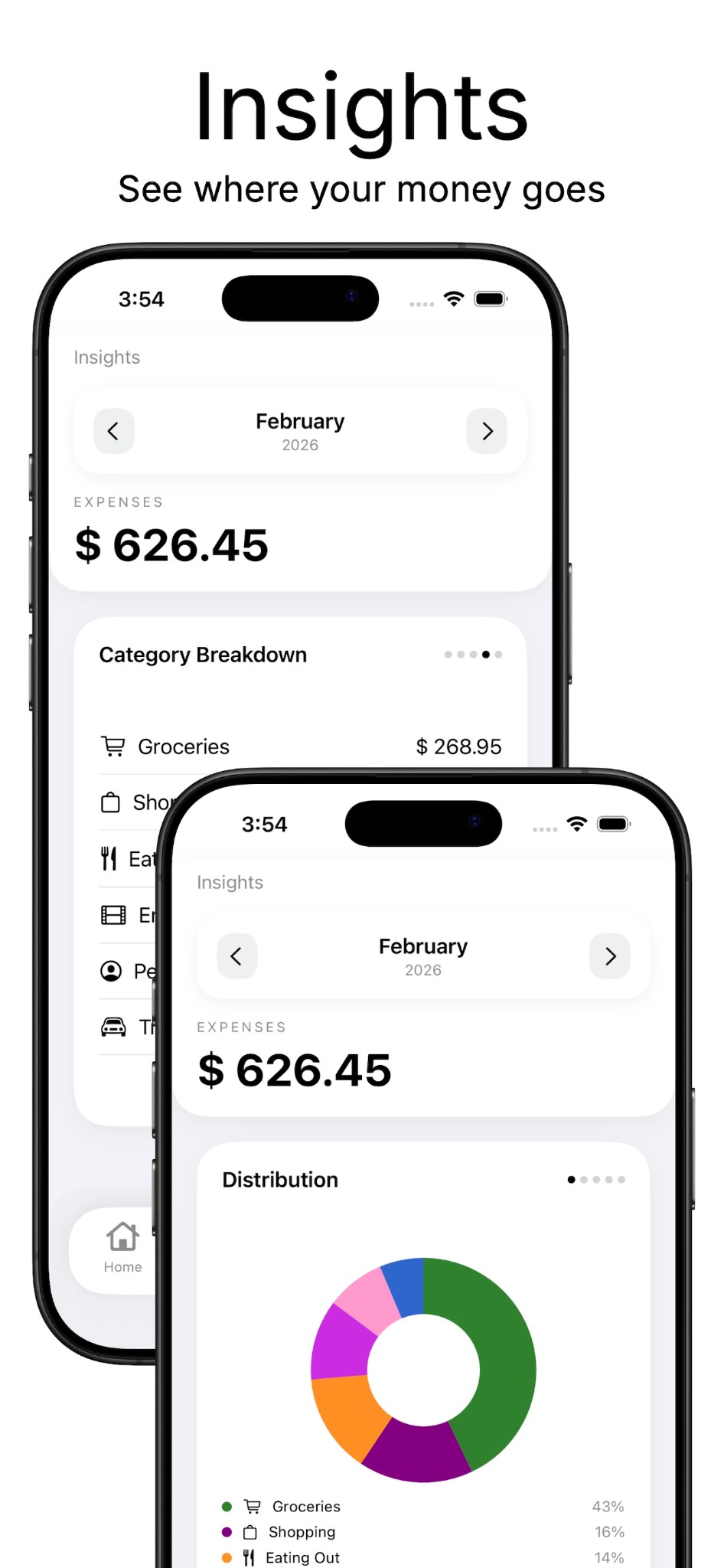
View categories, top merchants, and activity patterns to understand where money goes.
Follow receipt imports with persistent progress, see what is processing, and cancel work when needed.
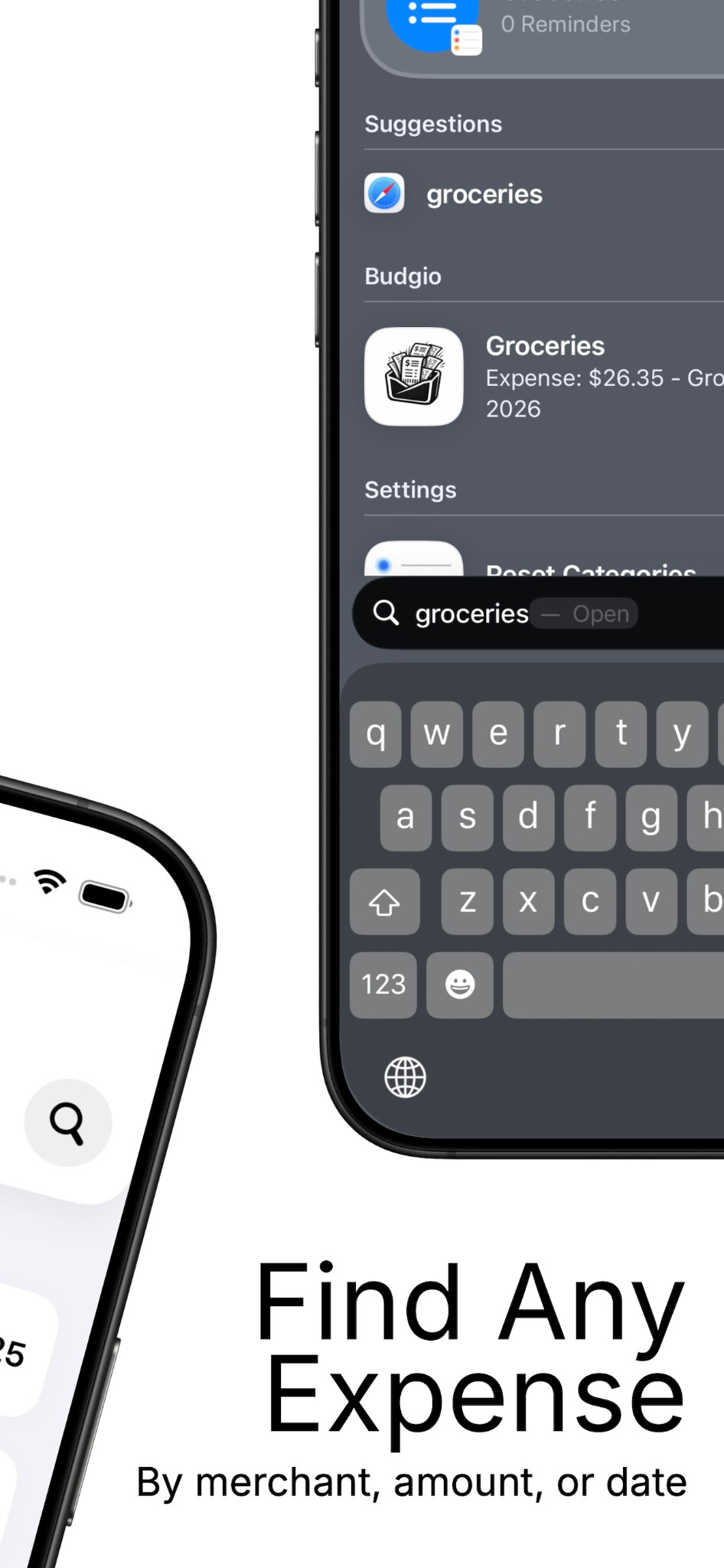
Use Siri & Shortcuts for logging and searching expenses, Quick Add Home Screen widget for faster capture, and Live Activity to track batch processing progress.
Share clean reports in CSV and Export Bundle formats for finance reviews or accounting.
Advanced OCR tuning presets and controls help improve extraction quality for challenging receipt formats.
Work in English and Spanish, track values in USD, PAB, EUR, GBP, JPY, and CAD, and choose Light, Dark, or Auto appearance modes.
On-device receipt processing, private CloudKit sync, local fallback, and clear controls for permissions, receipt-image sync, and data deletion.
Private iCloud sync with a local fallback → Privacy
Separate accounts with their own budgets and history
Persistent Import Activity with progress and cancellation
Stay ahead of your monthly budget
Scan from camera, photos, or PDFs — all in one place
See where your money actually goes
Step 1
Capture from camera, use Quick Add widget, or open images/PDFs in Budgio from Photos or Files for batch scan.
Step 2
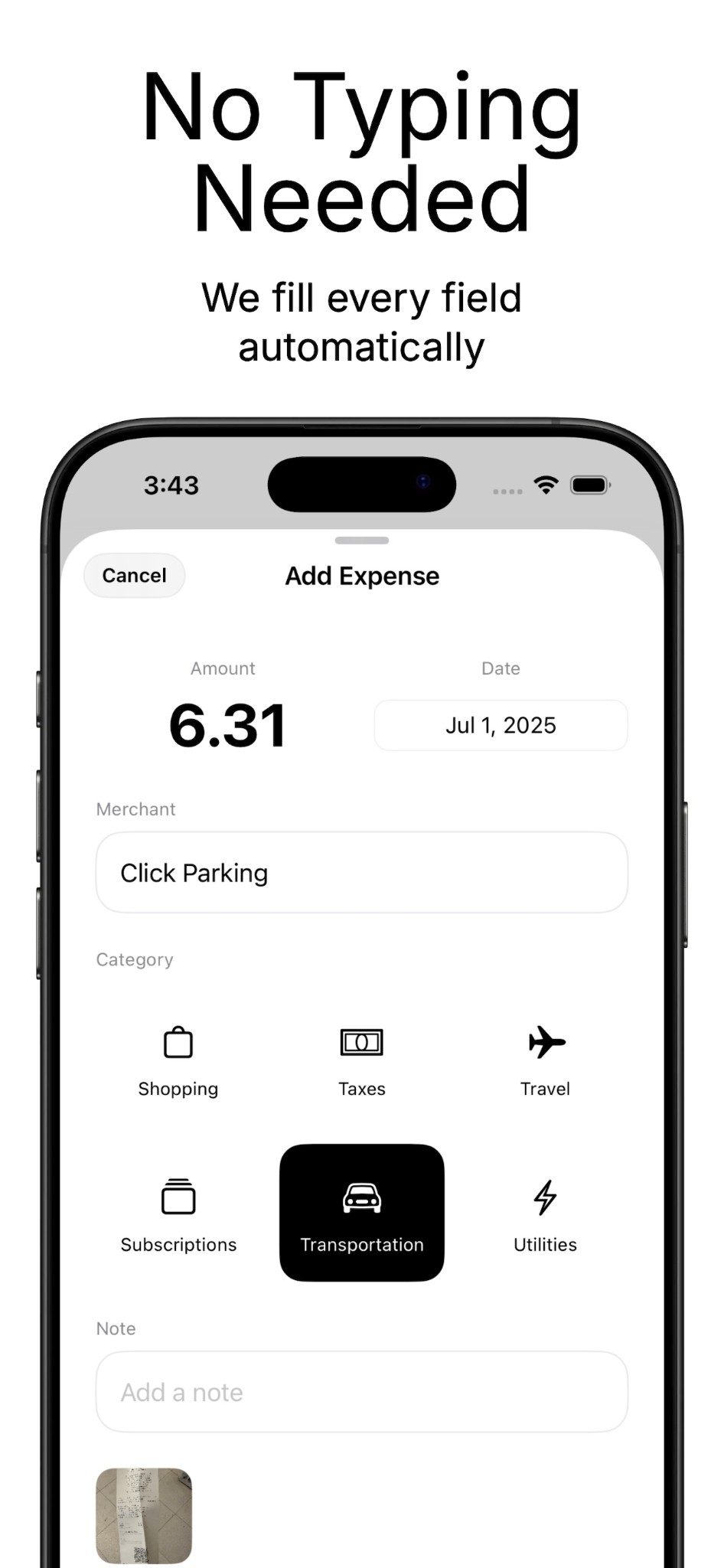
On-device AI suggests fields and categories with OCR tuning and receipt profile controls to reduce manual typing.
Step 3
Confirm totals and adjust entries before they become part of your history.
Step 4
Follow imports in Import Activity, see where your money goes, and stay aligned with account and category budgets.
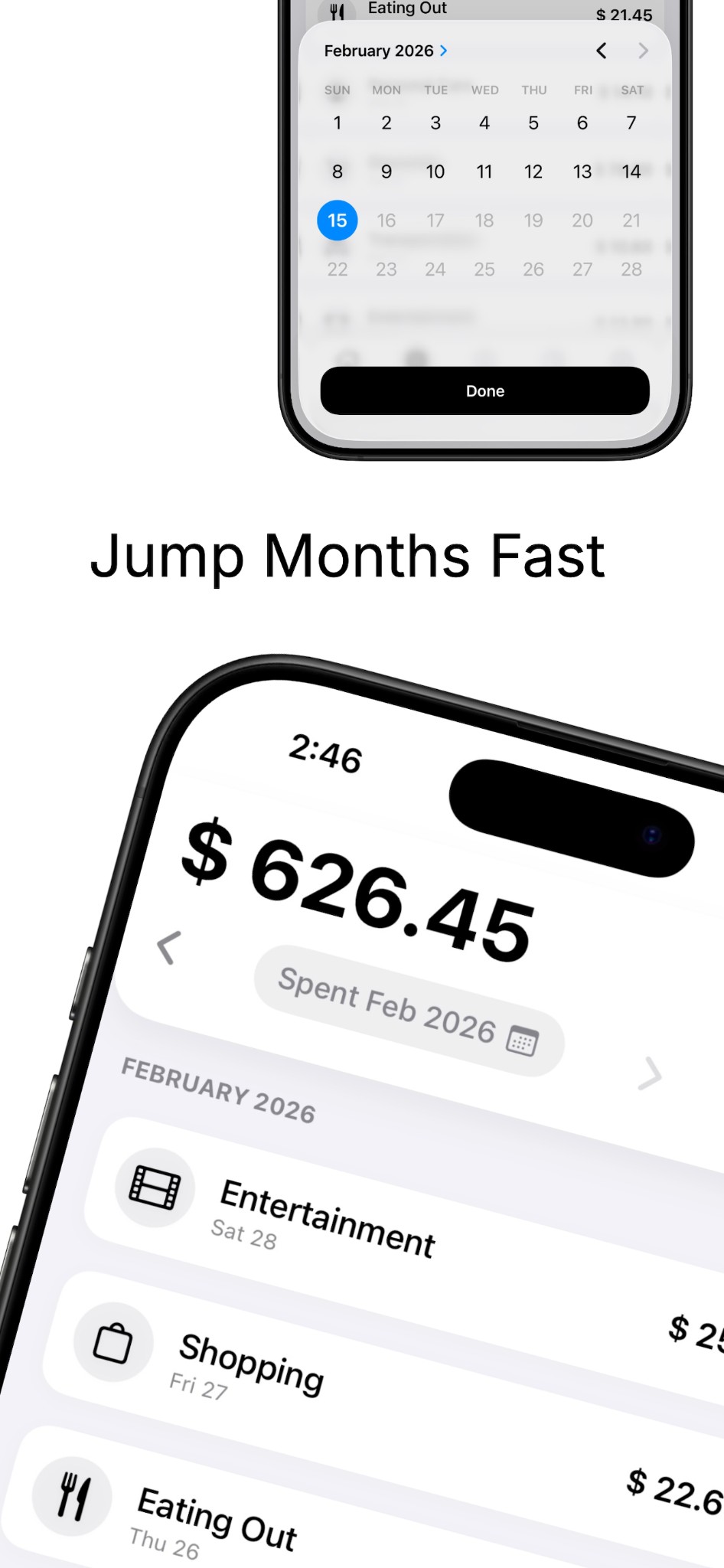
Real Budgio 1.1 screens showing the refreshed timeline, faster entry, budgets, insights, search, and month navigation.
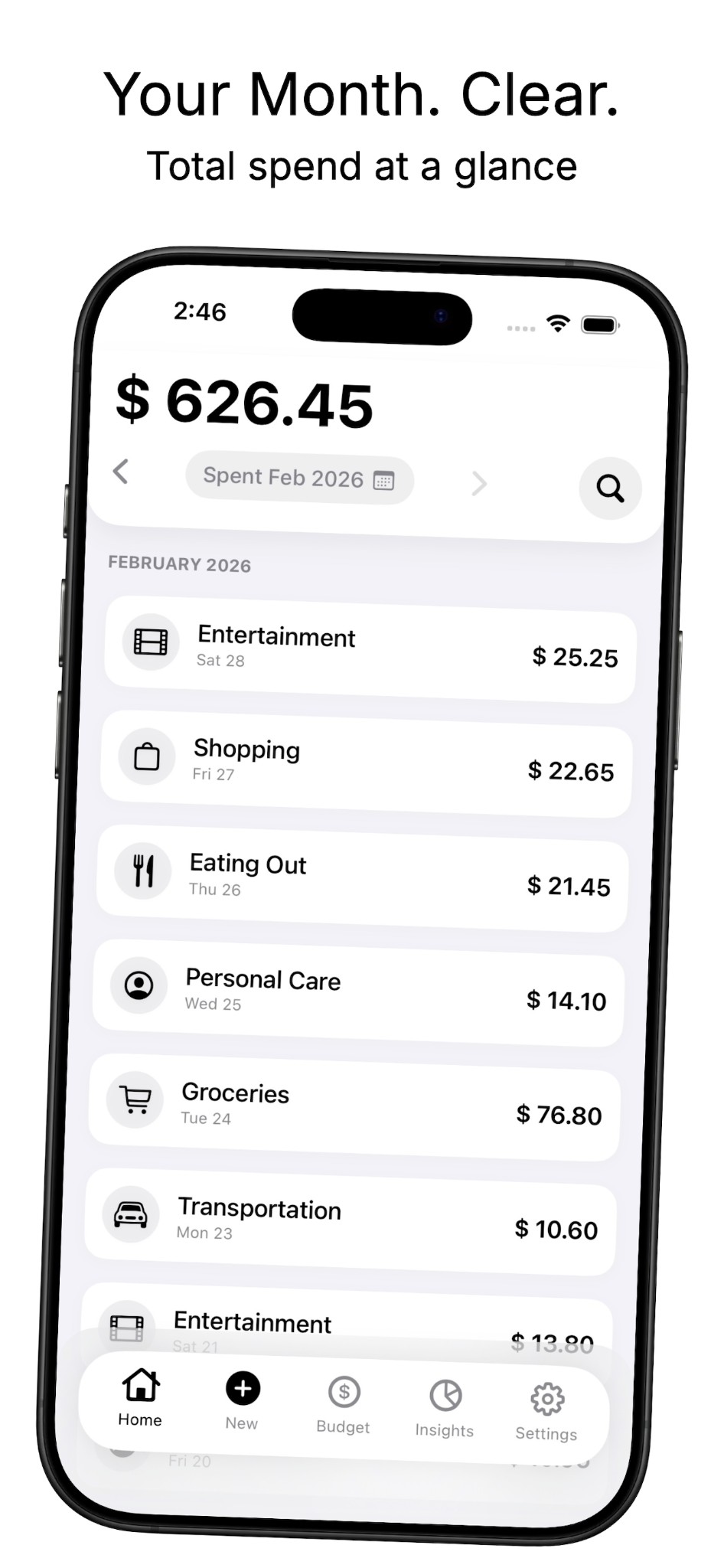
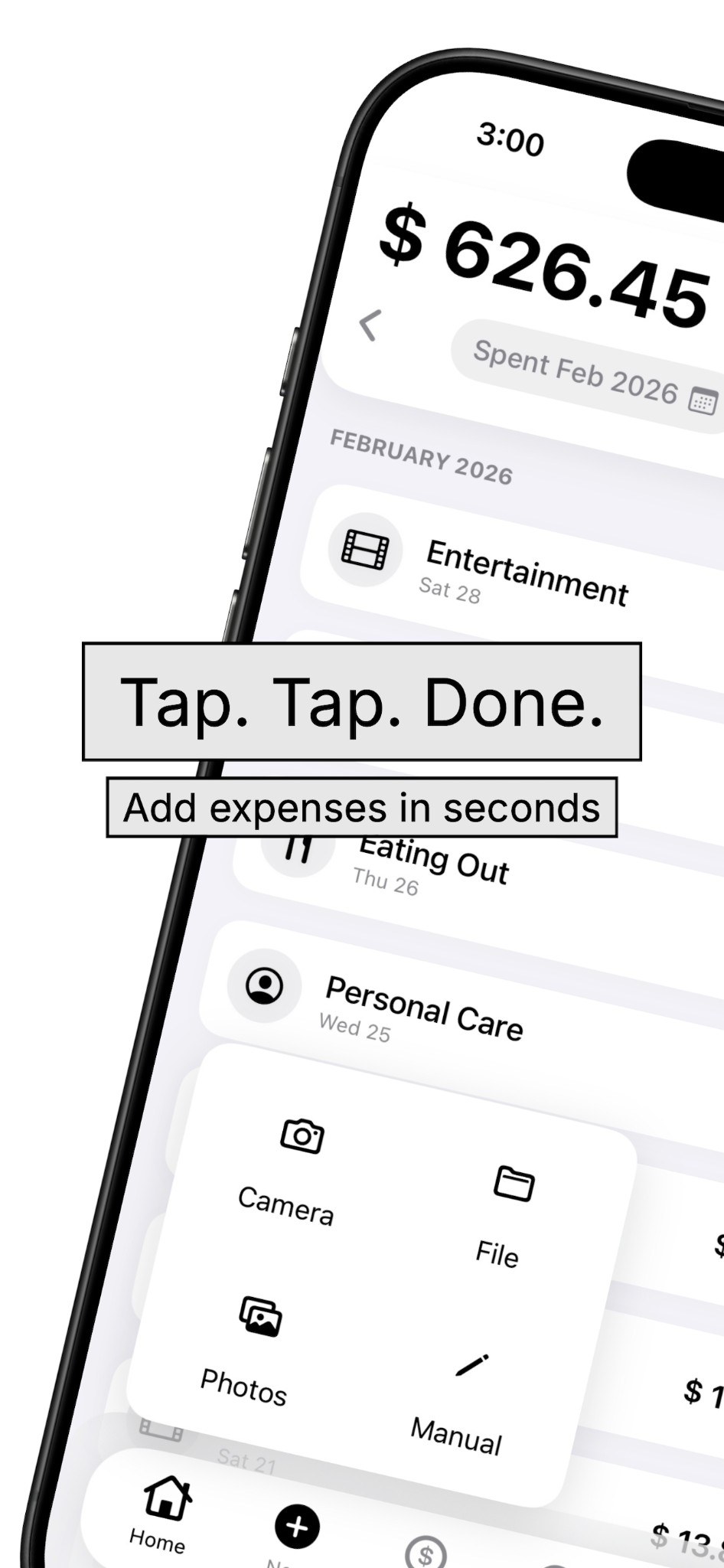
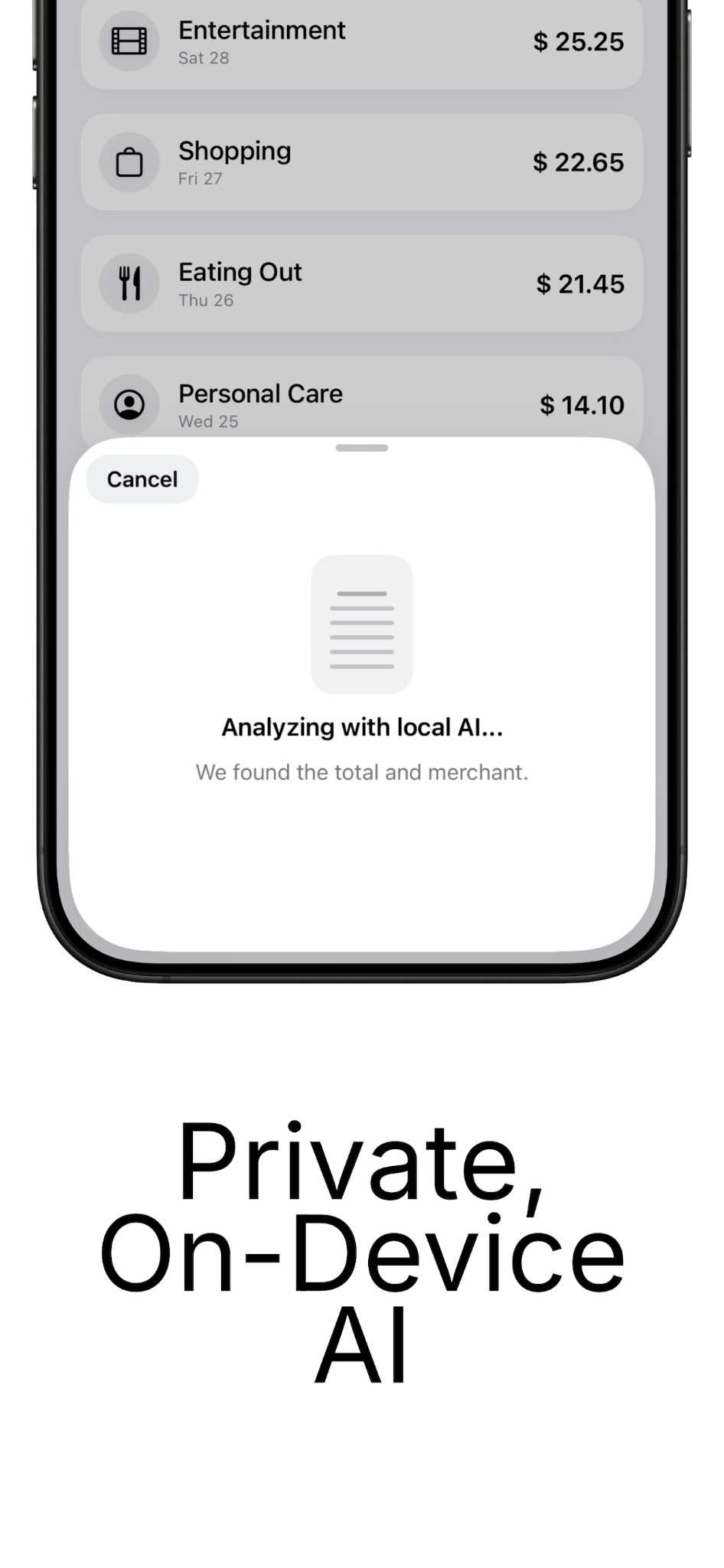
Receipt understanding stays on-device. App records can sync through your private iCloud account, receipt-image sync is optional, and local storage remains available when iCloud is not.
Read Privacy PolicyCamera permission is used only to scan receipts. You can still add expenses manually without scanning.
Yes. Core expense tracking uses local storage and remains available when iCloud is offline or unavailable. Changes can sync again when iCloud becomes available.
Accuracy depends on receipt quality. You can review and edit extracted values before saving every expense.
Yes. Exports are available in CSV and Export Bundle formats for sharing or backup workflows.
Delete entries in the app to remove them from your synced records. Removing the app clears local data from that device but may not remove data stored in iCloud; you can manage that in your Apple device’s iCloud storage settings.
AI document processing requires a compatible Apple device and supported iOS version. Manual entry is always available.
When you are signed in to iCloud, Budgio syncs accounts, budgets, expenses, and preferences through Apple’s private CloudKit database. Receipt-image sync is optional and uses your iCloud storage.
Join Budgio Money on iOS for faster receipt capture and clearer daily budgeting.